Search Refinement Mockup
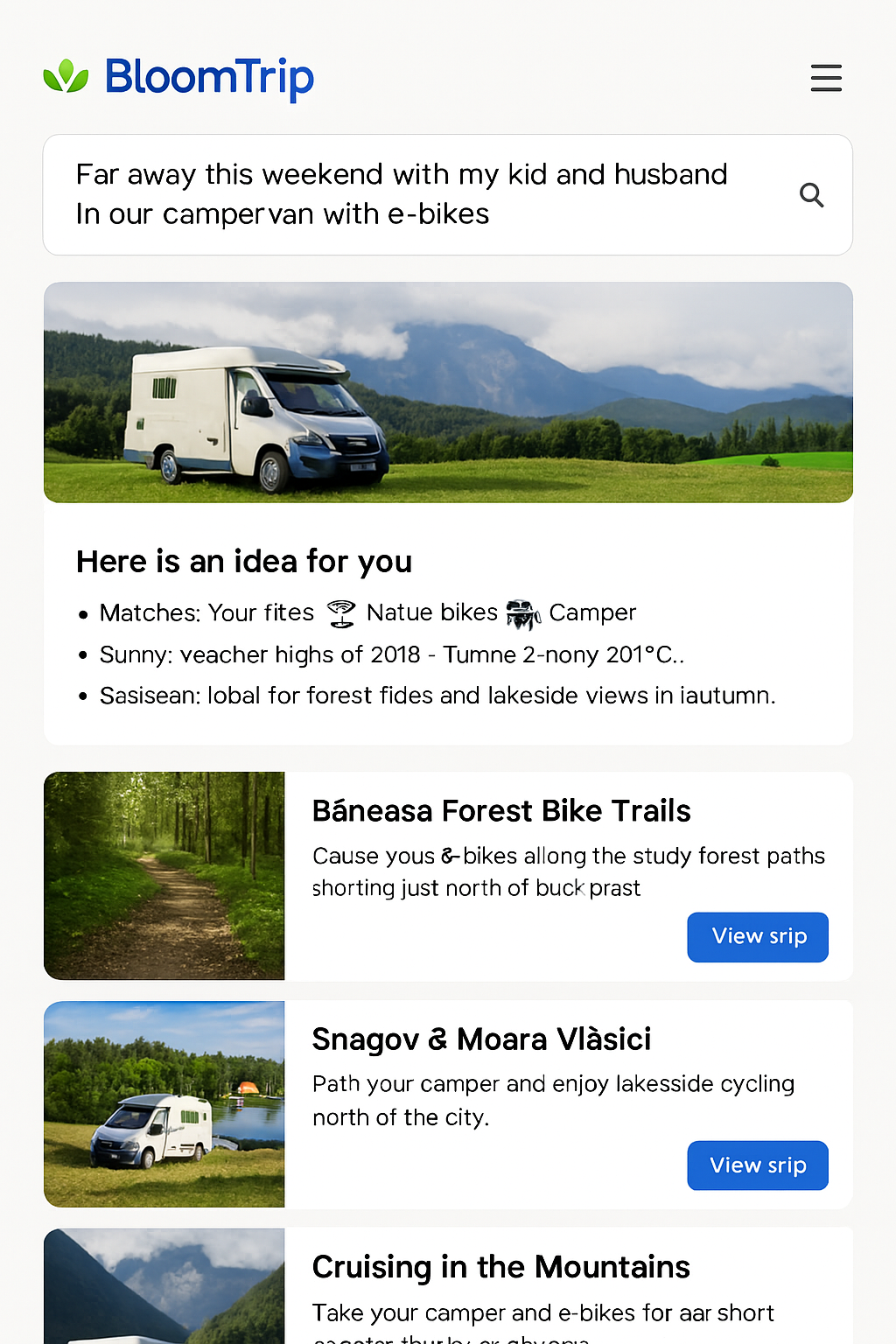 Figure 1. Divergent results view prompting the user to refine an overly broad weekend trip query.
Scenario: Broad Search Results
When a user’s search prompt is too broad, BloomTrip provides diverging trip ideas and suggests refining the search further.
Mockup
Search Results
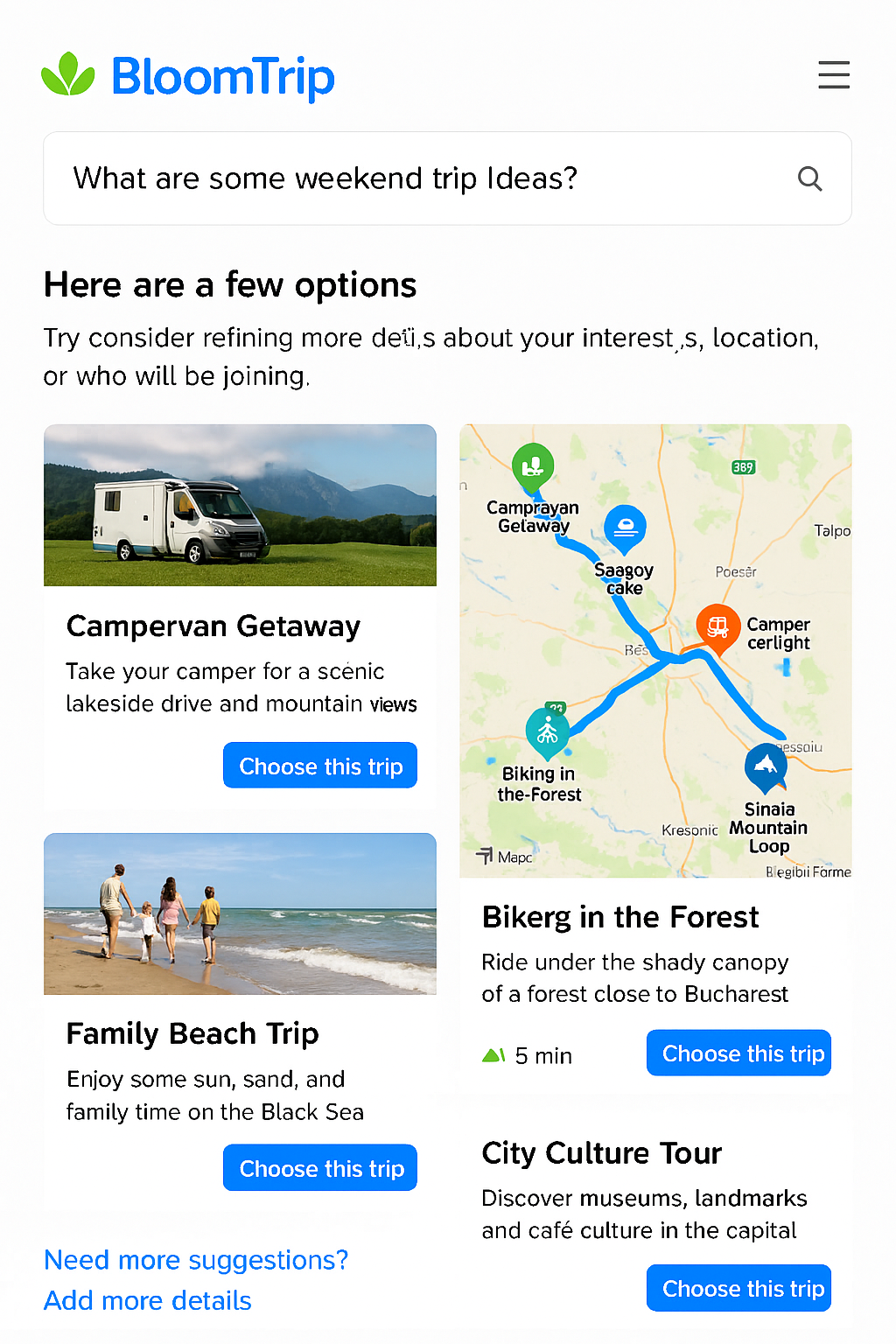 Figure 2. Mobile variant showing stacked trip idea cards; refinement CTA remains visible below list.
Here are a few options based on your search:
- Campervan Getaway
- Take your camper for a scenic lakeside drive and mountain views.
-
[Choose this trip]
-
Biking in the Forest
- Ride under the shady canopy of a forest close to Bucharest.
-
[Choose this trip]
-
Family Beach Trip
- Enjoy some sun, sand, and family time on the Black Sea.
-
[Choose this trip]
-
City Culture Tour
- Discover museums, landmarks, and café culture in the capital.
- [Choose this trip]
Refinement Suggestions
To refine your search, consider adding more details about: - Interests (e.g., biking, hiking, cultural tours) - Location (e.g., nearby cities, specific regions) - Companions (e.g., family, friends, pets)
After Choosing a Trip
Trip Details Page
- Hero Image: Showcase the destination/activity.
- Why It’s a Match: Display weather, distance, and profile tags (e.g., 🚲 E‑bikes • 🌲 Nature • 🚐 Camper).
- Day-by-Day Itinerary: Include times, activities, and optional swaps.
- Interactive Map: Plot all stops with custom BloomTrip icons.
Personalization Options
- Swap Activity: Replace a hike with a museum or a long ride with a shorter loop.
- Adjust Duration: Stretch a 1‑day trip into a 2‑day trip or vice versa.
- Add Companions: Tweak suggestions for kids, pets, or extra friends.
- Budget Filter: See options that fit a spending range.
Logistics & Resources
- Driving directions (Google/Bing Maps link).
- E‑bike charging points, campervan parking, and food stops.
- Weather forecast for each day.
- Links to source content (e.g., Komoot route, local event page).
Save & Share
- Save to My Trips: Add to the user’s profile for later.
- Share: Send a link to friends/family with the full itinerary.
- Export: Download as a PDF or sync to a calendar.
Feedback Loop
After the trip, users can: - Rate each activity. - Mark favorites. - Mute things they didn’t enjoy.
This feedback improves future recommendations.